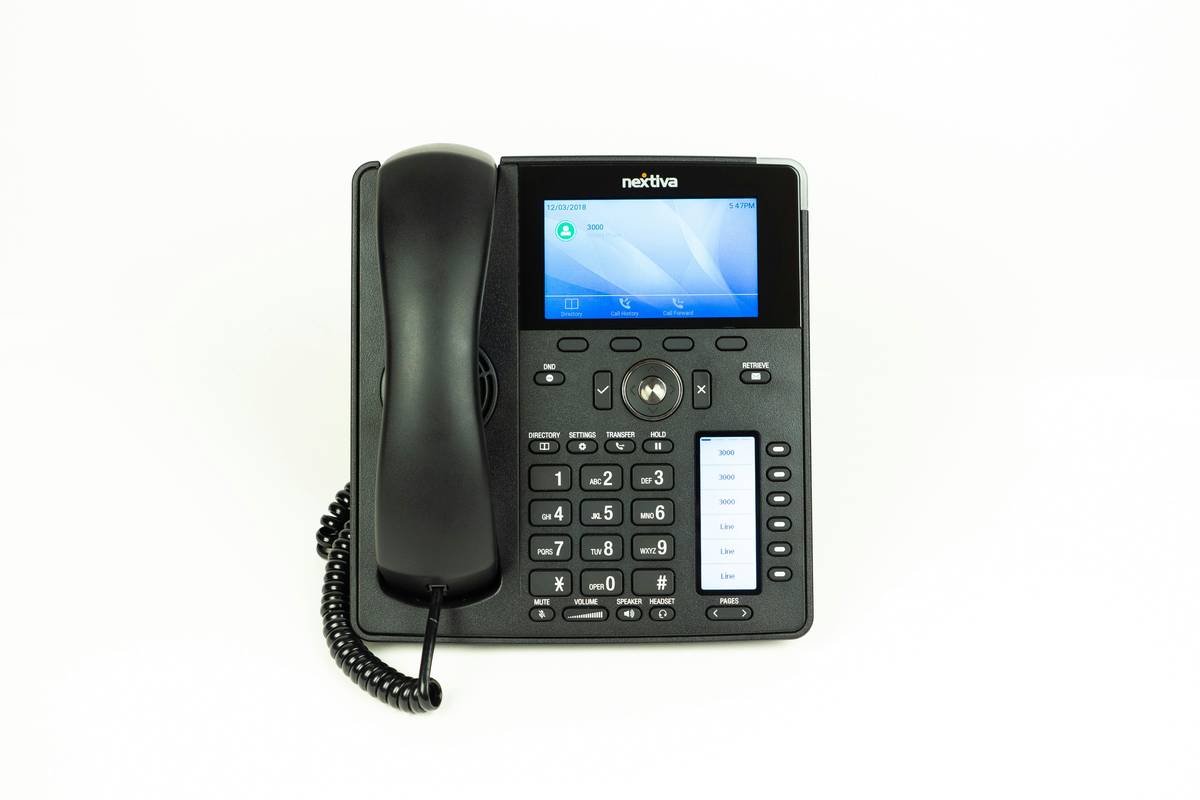
Ever felt like your business phone system is stuck in 2005 while the rest of your team uses tools from 2025? Yeah, us too. If you’re still relying on clunky desk phones or disjointed communication apps, it’s time for an upgrade—enter business phone UCaaS integration.
This guide will walk you through everything you need to know about streamlining your communications by integrating Unified Communications as a Service (UCaaS) into your business phone setup. You’ll learn why this matters, how to make it happen step-by-step, best practices, and even some real-world success stories.
Table of Contents
- Key Takeaways
- The Problem with Outdated Business Phones
- How to Implement Business Phone UCaaS Integration
- Top Tips for Seamless Integration
- Real-World Success Stories
- FAQs About Business Phone UCaaS Integration
Key Takeaways
- Business phone UCaaS integration unifies calling, messaging, video conferencing, and more.
- Poorly integrated systems lead to inefficiency and lost productivity.
- Choosing the right provider can save costs and boost employee collaboration.
- Start small but think big when implementing UCaaS solutions.
Why Are You Still Using Legacy Business Phones?
Picture this: A customer calls your sales line, gets transferred three times because no one has caller context, and finally hangs up frustrated. Meanwhile, your remote workers can’t access voicemails via email or join meetings without downloading yet another app. Sound familiar?
In today’s fast-paced world, businesses lose out big-time without seamless communication tools. In fact, studies show that companies waste over $1 trillion annually due to poor internal communication alone.

But here’s the kicker—not all hope is lost! With business phone UCaaS integration, you can consolidate all these fragmented tools into one cohesive platform. Think of it as “marrying” your phone system with modern cloud-based tech for maximum efficiency.
“Optimist You:”
“Imagine having every communication tool at your fingertips!”
“Grumpy You:”
“Yeah, yeah—but only if I don’t have to deal with IT headaches.”
How to Implement Business Phone UCaaS Integration
Step 1: Assess Your Current Communication Infrastructure
Before jumping into anything, audit what you already use. Make a list of:
- Voice systems (PBX, VoIP)
- Messaging apps (Slack, Microsoft Teams)
- Video conferencing tools (Zoom, Google Meet)
Pro Tip: Don’t skip this step—it’s crucial for identifying overlaps and gaps.
Step 2: Pick the Right UCaaS Provider
Some popular options include RingCentral, Zoom Phone, and Cisco Webex. Look for features like:
- API compatibility with existing software
- Mobile-friendly interfaces
- 24/7 customer support
Step 3: Start Small and Scale Up
Rather than rolling out the entire integration across your company overnight, pilot test with a single department first. Monitor performance metrics like call resolution rates and user feedback before expanding further.
Step 4: Train Employees Thoroughly
Here’s where many businesses mess up—they implement shiny new tools but forget to train their teams properly. Hold workshops, create quick-reference guides, and offer ongoing tech support.
Top Tips for Seamless Business Phone UCaaS Integration
- Sync Contacts Across Platforms: Ensure CRM data flows seamlessly between your phone system and other apps.
- Enable Multi-Channel Notifications: Let employees receive calls, texts, and emails wherever they are.
- Automate Tedious Tasks: Use AI-driven chatbots for FAQs and routine inquiries.
- Avoid Vendor Lock-In: Choose providers offering flexible contracts so you aren’t stuck long-term.
Warning: Whatever you do, don’t just slap together random tools without strategic planning. That’s a recipe for disaster.
Real-World Success Stories
Take Acme Corp., for instance. They switched from a traditional PBX system to a UCaaS solution last year and saw a 35% improvement in customer satisfaction scores within six months. Their secret sauce? Prioritizing integrations with Salesforce and Slack.
Then there’s Startup Inc., which saved $20K annually by consolidating its fragmented tools under one roof. Not to mention, their remote workforce became twice as productive thanks to unified mobile access.
FAQs About Business Phone UCaaS Integration
Q: What exactly is UCaaS?
A: UCaaS stands for Unified Communications as a Service. It combines voice, video, messaging, and collaboration tools into a single cloud-based platform.
Q: Is business phone UCaaS integration expensive?
A: Actually, it often reduces costs over time by eliminating redundant subscriptions and hardware maintenance fees.
Q: Can my current phone system integrate with UCaaS?
A: Most modern VoIP systems can, but older analog setups may require additional adapters or replacements.
Conclusion
Gone are the days of juggling multiple apps and devices just to keep your business running smoothly. With business phone UCaaS integration, you can streamline everything—from making calls to hosting virtual meetings—all in one place. Remember, start small, choose wisely, and always prioritize training.
Like Tetris blocks falling perfectly into place, integrating UCaaS could be the move that levels up your business game forever.
P.S. Bonus haiku for you:
Cloud calls, synced texts flow,
Productivity skyrockets—
Future-proof biz grows.